
The principle
In a routing, an operation normally waits for the previous one to be finished. With the continuous production option, checked on the bill of materials, each quantity recorded on a work order unblocks the next operation if it was blocked.
- Operation 1First parts finished
- RecordingQuantity recorded on the work order
- Operation 2Unblocked without waiting for the end
- In parallelOperation 1 carries on
- ClosureQuantities reconciled
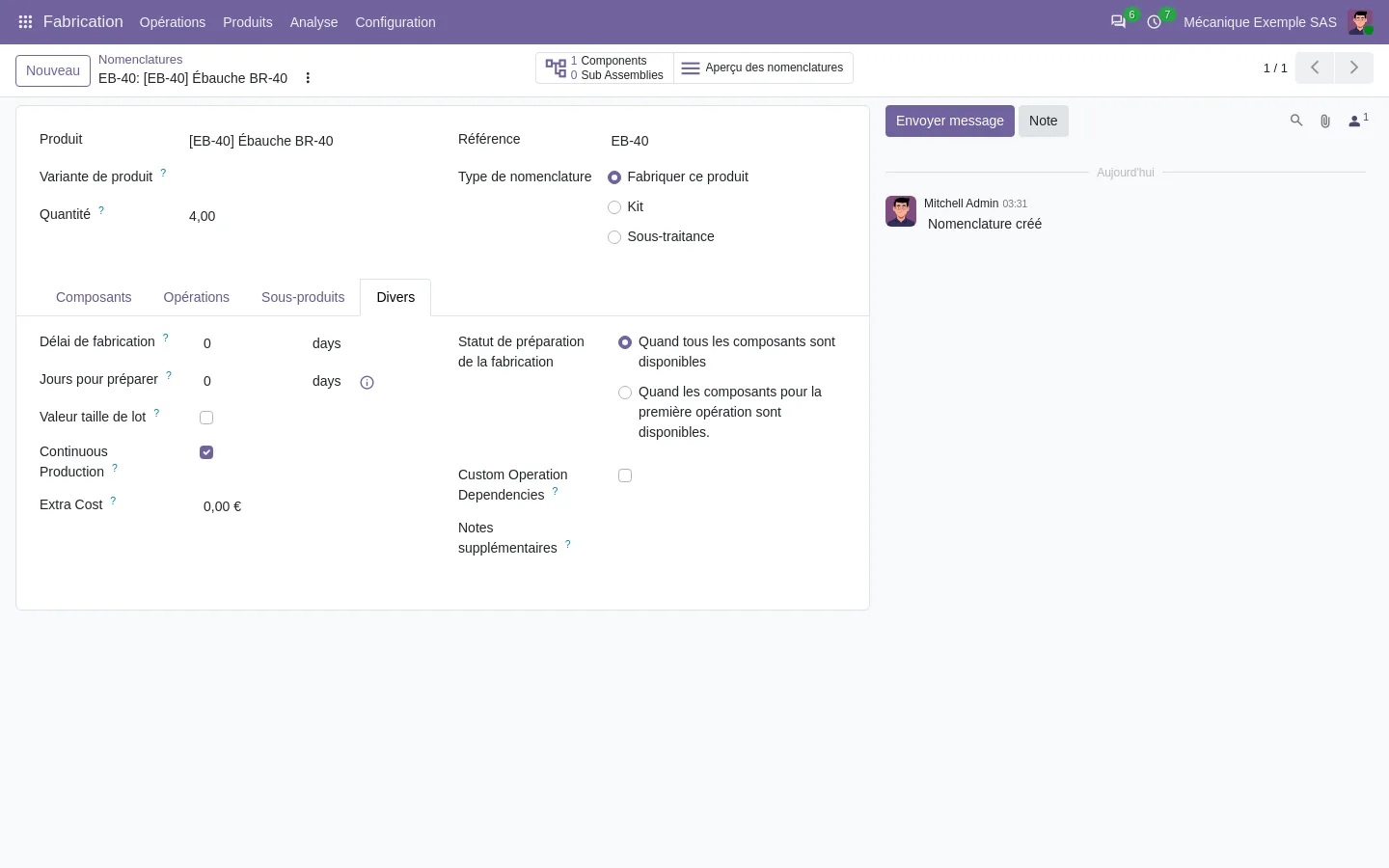
When to enable it
- Long runs, where waiting for the end of the lot ties up work centers.
- Successive operations on different work centers.
- Parts that can be moved in small quantities between work centers.
Precautions
Quantities must be recorded as work progresses, otherwise the next operation stays blocked. Validate the first part before moving on, and check that lot traceability stays correct when several operations progress at the same time.
Limits
We verified the option in the Odoo 20 Community code of our demonstration on September 28, 2026; it does not exist in Odoo 19. Its behavior on your routing, quantities and lots is checked in a scoped trial.